

Key Takeaways
- Siri got its big 2026 rebuild, and it is still Apple-only. It ships as a beta, in English first, on recent Apple Silicon hardware, and it is strongest inside Apple's own apps.
- A Siri alternative is really three different searches: a voice that does work on your computer, a smarter conversation partner, or answers that come with sources. Pick by job, not by brand.
- VoiceOS is the closest alternative to Siri in feel and everyday functionality, but it is faster, more accurate, and far more capable. It handles serious work while also helping with accessibility, files, calendars, research, and connected apps.
- ChatGPT is the strongest pick for a friendly conversation or for directing work in Codex. Claude makes the most sense for people already using Claude Work or Claude Code, but its voice recognition is still noticeably less accurate.
- You do not have to choose just one. A common setup is one voice layer for the computer plus one chat assistant, because they do different jobs.
Why people go looking for a Siri alternative
Credit first. At WWDC in June 2026, Apple finally shipped the Siri it had been promising for years: rebuilt on Apple Intelligence, living inside Spotlight on the Mac, with a dedicated Siri app, real back-and-forth conversation, and personal context that can pull up what a friend said in Messages. After a decade of being the punchline of voice assistants, Siri is genuinely good at answering.
So why is search interest in Siri alternatives higher than ever? Because most of the old reasons survived the rebuild. The new Siri is officially a beta, even at launch. It starts in English. It needs recent Apple Silicon hardware. It will not ship in China at first and is limited in parts of the EU. And if any part of your life runs on Windows, there is no Siri at all.
There is a deeper reason too. Siri is built to be great inside Apple's world: Apple's apps, Apple's devices, Apple's rules. A modern workday is not shaped like that. It happens in Slack, Gmail, a browser with too many tabs, and whatever editor or CRM your job lives in. Siri can tell you when your friend said she is going to the fair. It is far less help writing the reply, in your tone, in the app you are staring at.
So the word alternative hides three different searches. Some people want a voice that does real work on their computer. Others want a smarter conversation than Siri can hold. Some want answers they can verify. This list covers all three and is honest about which is which.
What actually replaces Siri: four things to check
Before the list, a quick filter. When you try any assistant on this page, these four questions will tell you within minutes whether it can take Siri's place for you.
It works where you work
An assistant that only shines inside one app, or one company's ecosystem, will always leave you switching windows. The bar in 2026 is system-wide: it should show up in whatever app you are already in, on every machine you own, including the Windows one.
It can see what you see
Half of what you ask an assistant is about something already on your screen. The good ones can look, with your permission, at the exact thing you mean, so you can say this and be understood instead of describing your screen like a radio commentator.
It does things, not just answers
Answering is table stakes now. The real test is whether the assistant can send the message, create the event, or fix the paragraph, and whether it shows you a confirmation before anything leaves your machine.
You control when it listens
A voice assistant should listen when you invoke it and stop when you let go. Check how each one is triggered, what it can access, and how clearly it tells you. The best ones make this boring and obvious.
The 6 best Siri alternatives in 2026
Ranked with a bias we should name: we build VoiceOS, and we put it first because it comes closest to the feel and everyday usefulness people want from Siri while being faster, more accurate, and able to do much more. Every other entry is here because it is genuinely the best pick for a different kind of person, and we say who.
1. VoiceOS
Closest to Siri—only faster, more accurate, and far more capable
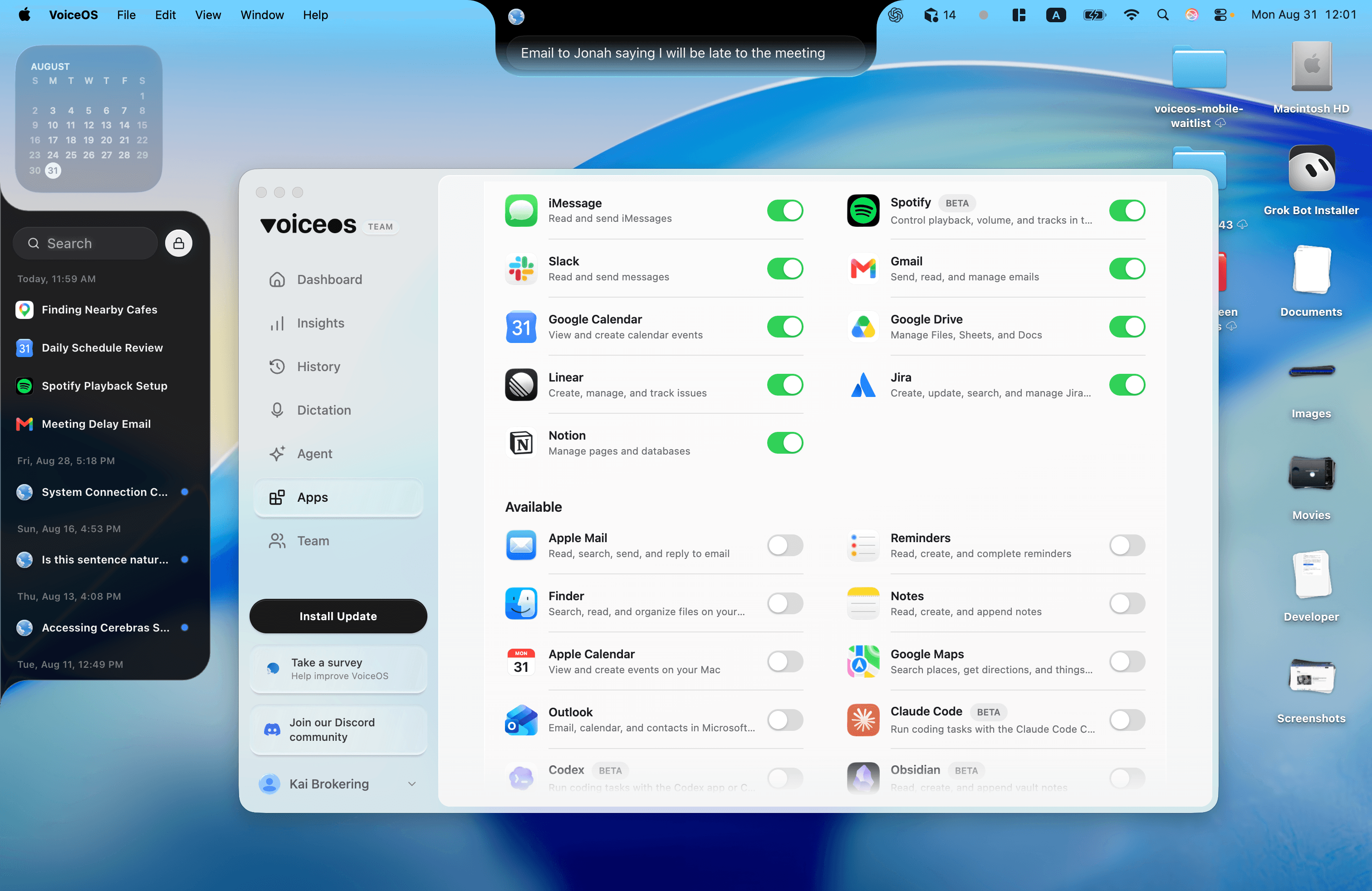
VoiceOS is the closest thing to the Siri experience on a computer: press a key, speak naturally, and get an immediate result without opening a separate chat window. The difference is that VoiceOS is faster, recognizes speech more accurately, and works system-wide on both Mac and Windows. It types clean, app-aware text wherever your cursor is and can understand what is already on your screen.
It is designed for serious work, from writing a Slack reply and sending an email to scheduling meetings and completing multi-step tasks. But it is not limited to work. VoiceOS can also serve as an accessibility tool: ask it to find a file, check your calendar, research a topic, explain something on screen, or help you navigate the computer without hunting through menus and folders.
Agent Mode connects that Siri-like voice layer to the apps you already use, including Claude, Codex, Spotify, Gmail, Slack, Notion, Google Calendar, and more. It can move from answering to taking the action itself, with a confirmation before anything important is sent. In other words, it feels familiar like Siri, but reaches much further across your computer and your favorite apps.
Visit VoiceOS2. ChatGPT Voice
Best for friendly conversation and working in Codex
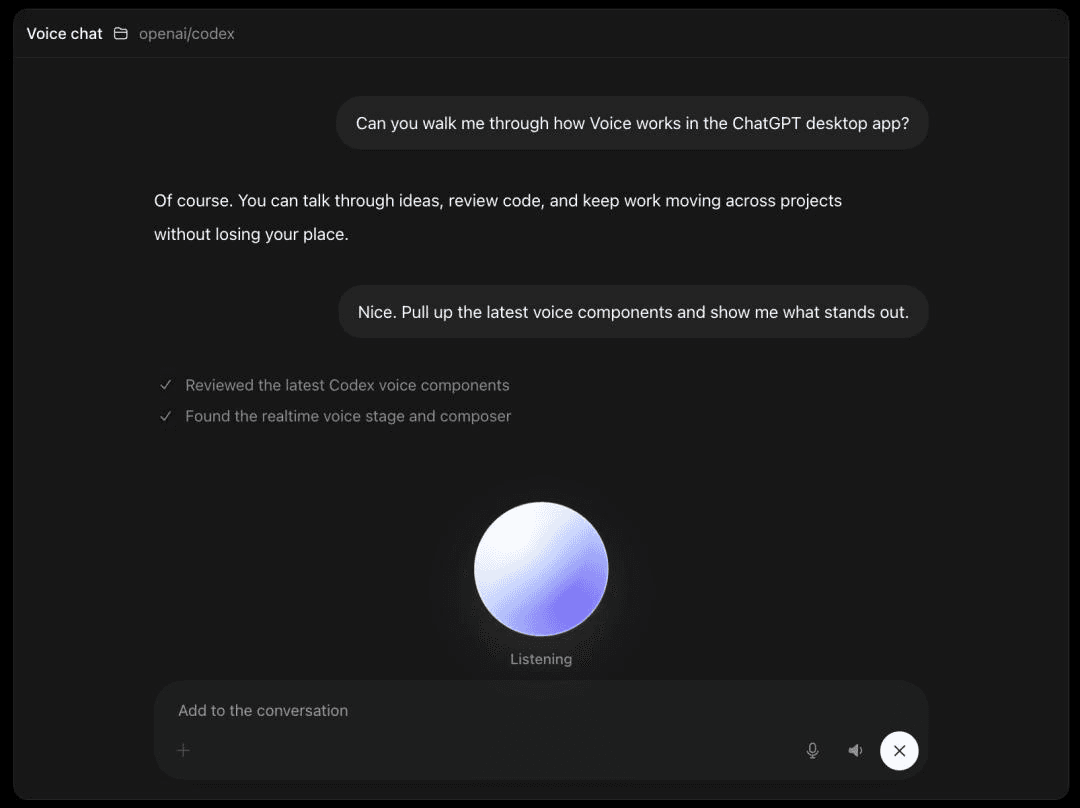
ChatGPT's voice grew up fast in 2026. GPT-Live made the conversation full duplex, so it listens while it speaks and you can interrupt it naturally. That makes it the friendliest option here for an open-ended conversation. In the Mac and Windows desktop app, it is also a natural fit if your work happens in Codex, letting you talk through tasks and direct multiple coding agents by voice. On a Mac it can reference the window you have in focus through Appshots.
The honest limit is in the sentence itself: it directs ChatGPT's agents, inside ChatGPT's app, and desktop voice is for paid plans. As a place to think, research, and run OpenAI's agents by voice, it is superb. As a way to work inside Gmail, Slack, and the rest of your desktop, it stays one window among many.
Visit ChatGPT3. Google Gemini
Best if your life runs on Google, or on Android
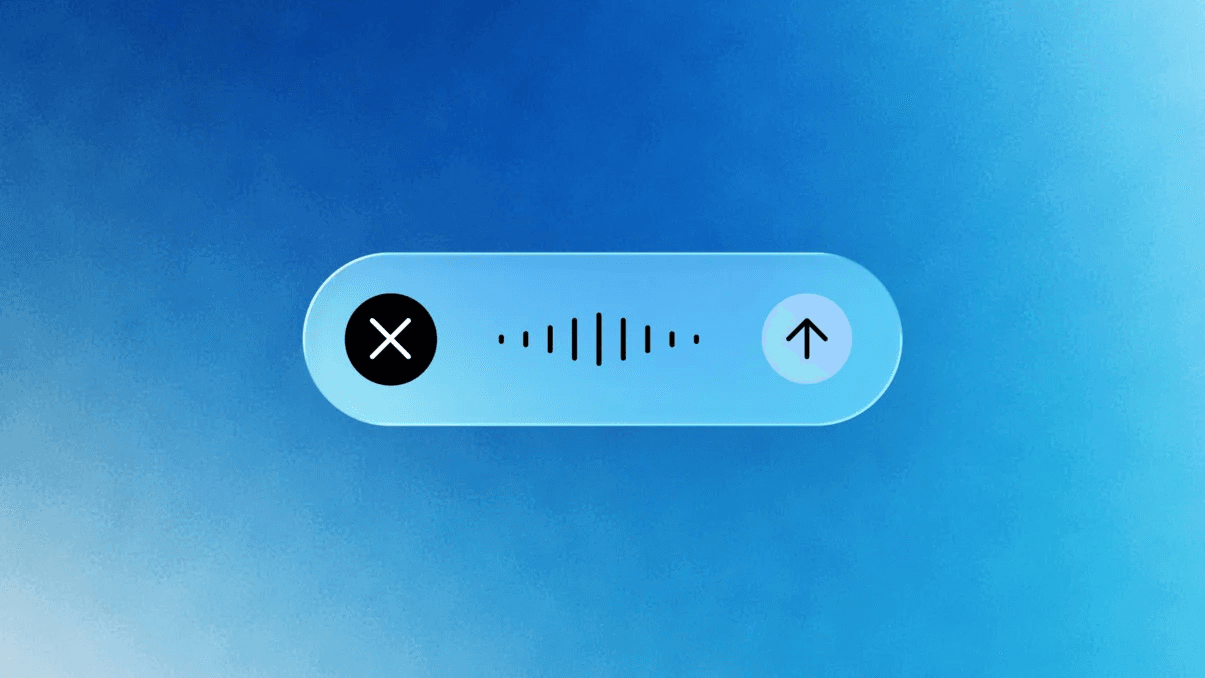
Gemini is the closest thing to a Siri that Google ships, and on Android it literally replaced its assistant. What made 2026 interesting is the Mac app: press and hold a key, ramble naturally, and Gemini turns it into a clean, screen-aware draft at your cursor. Google clearly decided voice is a primary input on the desktop, not a sidebar.
Gemini is strongest where Google is: Gmail, Calendar, Drive, Docs, and an Android phone in your pocket. It is also, according to reporting around WWDC, part of the model layer behind the new Siri itself, which tells you how seriously Apple takes it. Outside Google's world its hooks get shallower, and the deepest agent features sit behind expensive plans.
Visit Gemini4. Claude
Best for people who use Claude Work and Claude Code
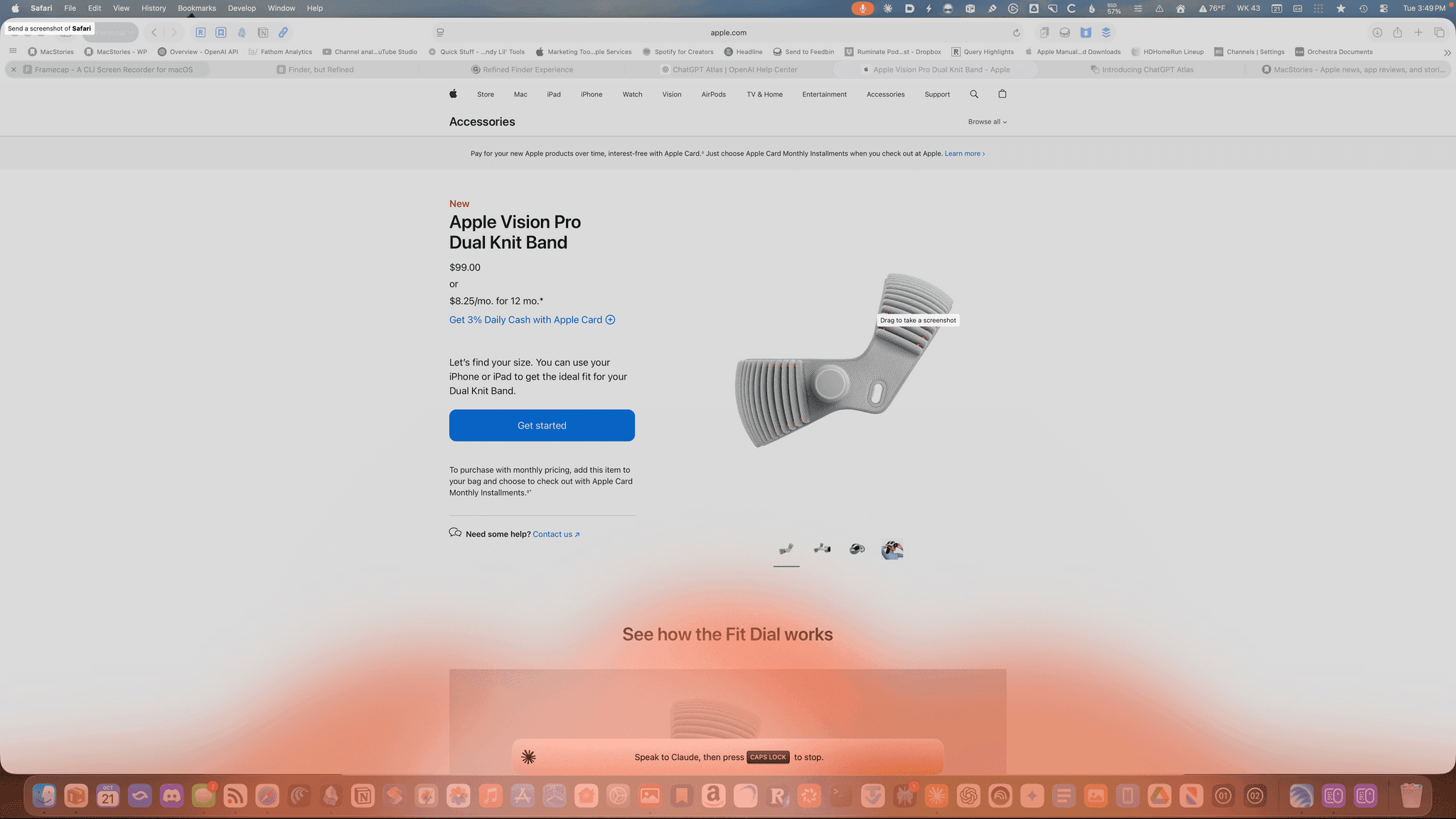
Claude is worth considering when your work already lives in Claude Work or Claude Code. Voice gives you another way to talk through a document, hand off a coding task, or continue a workflow without rewriting the context in another assistant.
The tradeoff is voice quality. Anthropic has not put as much work into voice as the leading alternatives, and recognition accuracy is currently low, so expect more misheard words and corrections, especially with technical terms. Claude is a workflow-specific choice, not the strongest pick for a reliable general voice conversation.
Visit Claude5. Microsoft Copilot
Best if you want Windows to just come with one
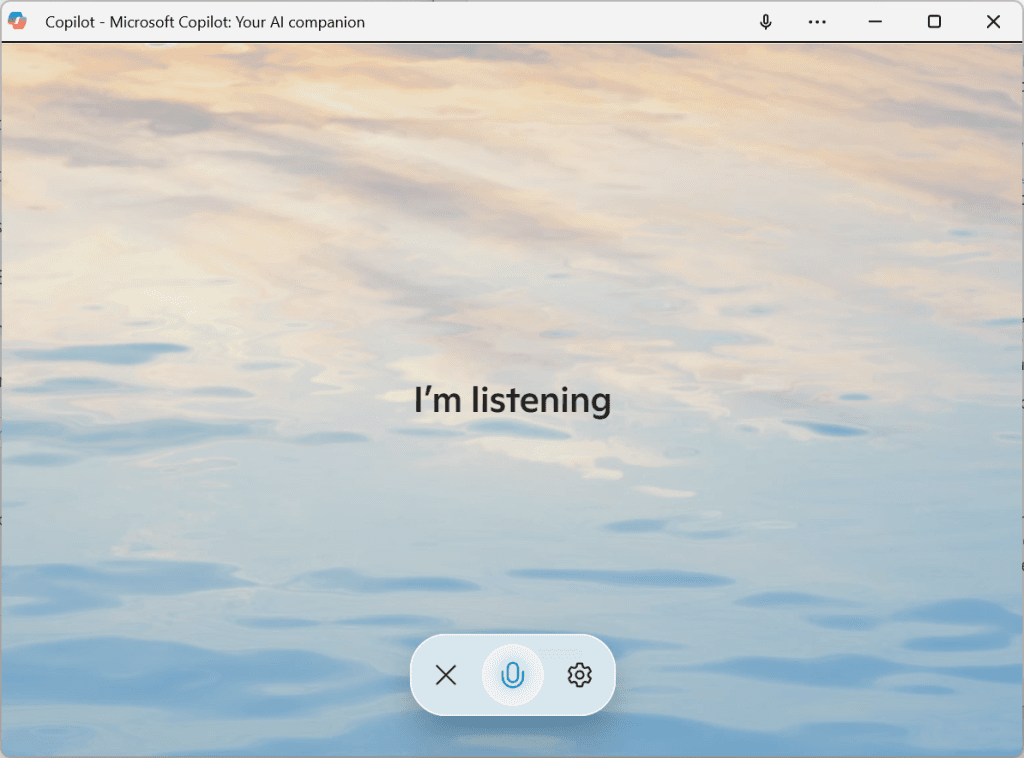
If your machine runs Windows, Copilot is already there: on the taskbar, on a dedicated key on new laptops, with a voice mode and Copilot Vision, which can look at what you are doing when you share it and talk you through it. For settings, documents, and anything in Microsoft 365, it is the shortest path, and the basic tier is free.
Its gravity is Microsoft's world, and that is also the boundary. Copilot is deepest in Edge, Office, and Windows itself, lighter everywhere else, and not a system-wide layer for whatever app you happen to be in. On a Mac it is a fine chat app and no more. Think of it as the Siri of Windows, with the same strengths and the same shape of limits.
Visit Copilot6. Perplexity
Best for voice answers that come with receipts
Perplexity's voice assistant answers the way Siri never quite has: with sources attached. Ask on your phone and it searches, reads, and comes back with an answer you can check, which changes how much you trust it. On iPhone and Android it can also handle small assistant chores like setting reminders or drafting a message.
It is a research companion first. If your Siri frustration is really about answers, wrong ones, thin ones, unsourced ones, Perplexity is the cleanest fix on this list. If your frustration is about getting work done on a computer, it is not trying to solve that.
Visit PerplexitySiri and its alternatives, side by side
Seven assistants, four questions. Where does it run, can it see your screen, will it act for you, and who is it really for.
| Assistant | Where it runs | Sees your screen | Does things for you | Best for |
|---|---|---|---|---|
| Siri (2026) | Apple devices, macOS 27 and iOS 27 beta first | Yes, Visual Intelligence and onscreen awareness | Within Apple's apps and App Intents | Staying all-Apple and waiting out the beta |
| VoiceOS | System-wide on Mac and Windows | Yes, point at anything while you hold the keys | Yes, across your apps, with confirmation | The closest Siri feel, serious work, and accessibility |
| ChatGPT Voice | ChatGPT app on Mac, Windows, and phones | The focused window on Mac, via Appshots | Directs ChatGPT's own agents | Agents and general conversation |
| Google Gemini | Gemini app on Mac, Android, and the web | Screen-aware drafting on Mac | Inside Google apps, agents on top plans | Google-first people |
| Claude | Claude app on mobile, desktop, and web | No screen view in voice mode | Reads connected tools like email and calendar | Claude Work and Claude Code users |
| Microsoft Copilot | Built into Windows, plus Microsoft 365 and mobile | Yes, what you share with Copilot Vision | Inside Microsoft's apps | Windows without installing anything |
| Perplexity | Phone apps and the web | Through the phone camera | Small phone actions | Sourced answers |
So which one should you pick?
If you want the option that feels most like Siri, choose VoiceOS. It responds faster, recognizes speech more accurately, and works across your whole Mac or Windows computer. It is built for serious work, but it is equally useful for accessibility, finding files, checking your calendar, doing research, and connecting voice to apps such as Claude, Codex, and Spotify.
If you want a friendly voice to talk with or you work in Codex, choose ChatGPT. If your workflow already lives in Claude Work or Claude Code, Claude can fit, but its voice accuracy is much lower. Choose Gemini if your email, calendar, and phone are already Google.
If you want zero setup on a work laptop, Copilot is already on your Windows machine. If your complaint is answer quality, Perplexity's sourced answers are the cure.
And if every device you own is a recent Apple one, the honest answer is that the new Siri may serve you well once it fully ships. Plenty of people will run it side by side with a working voice layer anyway: Siri for the phone and the ecosystem, VoiceOS for the computer where work happens.
Frequently Asked Questions (FAQ)
What is the best Siri alternative in 2026?
VoiceOS is the closest overall alternative to Siri: it has the same immediate speak-and-get-help feel, but it is faster, more accurate, and can do much more across Mac and Windows. It is designed for serious work while also supporting accessibility, file finding, calendars, research, and connected apps. For a friendly conversation or work in Codex, choose ChatGPT. Claude is mainly for people already using Claude Work or Claude Code, and its voice accuracy is currently much lower. For sourced answers, choose Perplexity.
What is the best Siri alternative on a Mac?
VoiceOS is the closest to the Siri experience on Mac, but faster, more accurate, and system-wide. It offers dictation wherever your cursor is, screen-aware questions, accessibility help, file and calendar search, research, and real actions across connected apps with confirmation. Gemini's Mac app is strong if you live in Google's tools, and ChatGPT's desktop voice fits work that already happens inside ChatGPT or Codex.
Is there a Siri alternative for Windows?
Yes, two good ones. Copilot is already built into Windows and covers settings, documents, and Microsoft 365 by voice. VoiceOS goes wider: it is a system-wide voice layer that types, edits, answers about your screen, and takes actions across the apps you use, and it works identically on your Mac if you switch machines. Siri itself does not exist on Windows.
Can any of these actually control my computer?
Two get close in different ways. VoiceOS acts across the apps on your machine, Gmail, Slack, Calendar, Notion and more, with a confirmation step before anything is sent. ChatGPT's desktop voice controls things inside ChatGPT: its own agents, Computer Use, and your files through the app. The difference is whether the voice works across your computer or inside one program.
Is the new Siri actually good now?
Genuinely, yes. The 2026 rebuild holds real conversations, remembers context across devices, and can pull answers from your own messages and mail. The catches are practical: it is a beta even at launch, English first, requires recent Apple Silicon hardware, and is strongest inside Apple's own apps. Whether that is enough depends on how much of your day happens outside Apple's world.
Do Siri alternatives work hands-free?
Mostly yes, each in its own way. VoiceOS listens when you press its trigger key and also has a hands-free mode for longer stretches. ChatGPT, Claude, and Gemini hold open voice conversations inside their apps, and Copilot has a voice mode on Windows. None of them require you to keep saying a wake phrase before every sentence.
Are these assistants always listening?
The well-designed ones listen when you invoke them and stop when you are done, and they say so clearly. VoiceOS, for example, only looks at your screen while you are holding the point-and-ask keys, and its agent actions show a confirmation before anything leaves your machine. Whatever you choose, check the same two things: when the microphone is open, and what the assistant can reach.
Can I use more than one of these at once?
Yes, and most people end up there. The combinations do not conflict because they occupy different layers: a system-wide voice like VoiceOS for your computer, ChatGPT for friendly conversation or Codex work, Claude for existing Claude Work and Claude Code workflows, and Perplexity for sourced research. The one to be deliberate about is your computer, because that is where an assistant can do real work instead of just talking about it.
Give your computer a voice that does the work
VoiceOS runs on Mac and Windows. Speak anywhere you type, point at your screen and ask, and let real actions run with your confirmation.
Download VoiceOS