
What makes great dictation software in 2026
Before diving into specific tools, here is what separates excellent dictation apps from mediocre ones in 2026:
Universal app support
The best dictation software works everywhere you write: email, docs, Slack, code editors, browsers. No app-specific plugins or workarounds.
High accuracy
Anything below 95% accuracy out of the box means you spend more time correcting than you saved by not typing. The top tools now exceed 97%.
Context awareness
Modern dictation should understand what app you are in and adapt. A message in iMessage should sound different from a paragraph in Notion.
Agentic capabilities
The best voice tools go beyond transcription. They connect to services like Calendar, Gmail, and Slack so you can take real actions by voice from anywhere.
Speed and responsiveness
Transcription should feel instant. Anything above 500ms between speaking and seeing text breaks your flow.
Privacy and security
Voice data is sensitive. Look for on-device processing options, encryption, and clear data handling policies.
1. VoiceOS: Best overall dictation and voice agent
VoiceOS is the voice interface built for how people actually work in 2026: across dozens of apps, switching contexts constantly, and demanding accuracy that keeps up with natural speech. Transcription latency sits around 350ms, making it the fastest tool on the market.
What sets VoiceOS apart is its deep context awareness. It detects which application you are in and adapts formatting, tone, and vocabulary automatically. Dictate in Gmail and the output is polished and professional. Switch to Slack and it matches your conversational style. Open Cursor or VS Code and it recognizes code syntax, variable naming conventions (camelCase, snake_case), and technical jargon.
But VoiceOS is not just a dictation tool. It is a full voice-driven productivity layer. The Agent mode connects to integrations like Google Calendar, Gmail, Slack, and more, letting you perform tasks from anywhere with your voice. Schedule a meeting, send an email, post a Slack message, all without switching apps or touching a keyboard. It also lets you query anything on screen and get instant spoken answers. The Edit mode lets you rewrite, shorten, or restructure selected text by voice.
No other tool on this list combines dictation, agentic actions, and contextual intelligence into a single interface.
Key features
- Universal voice-to-text across every Mac and Windows application
- Context-aware formatting that adapts to each app automatically
- Agent mode: connect integrations (Calendar, Gmail, Slack, etc.), ask screen-aware questions, and take actions by voice from anywhere
- Edit mode: rewrite, shorten, or restructure text by voice
- Custom dictionary with automatic vocabulary learning
- Support for 100+ languages with real-time language detection
- Writing style adaptation that matches your natural tone
- SOC 2 Type II compliant
- Works on both Mac and Windows
Best for: Anyone who writes across multiple apps daily and wants a voice interface that goes beyond transcription into real actions via integrations.
Why it is number one: VoiceOS is the only tool that combines universal app support, intelligent context adaptation, and a full agentic layer with integrations. It turns your voice into a complete productivity interface, not just a transcription tool.
2. Wispr Flow: Best for cross-platform voice typing
Wispr Flow is a strong contender in the dictation space with broad platform support across Mac, Windows, iOS, and Android. It delivers solid accuracy around 95% and supports AI-powered edits and formatting.
Flow works across applications and includes features like saved snippets for quick text insertion and variable recognition in coding environments. It handles mixed-language speech well and offers SOC 2 Type II and HIPAA compliance for enterprise teams.
Key features
- Cross-platform: Mac, Windows, iOS, and Android
- AI-powered edits and formatting
- Saved snippets for voice shortcuts
- Developer jargon recognition in code editors
- SOC 2 Type II and HIPAA compliance
- 100+ language support
Best for: Users who need dictation on mobile and desktop with enterprise-grade security.
3. Aqua Voice: Best for ultra-fast real-time dictation
Aqua Voice focuses on raw speed. Powered by their proprietary Avalon transcription model, it starts dictation in under 50 milliseconds and pastes text in as little as 450ms.
Their Instant Mode and Streaming Mode offer different trade-offs between speed and formatting quality. Context awareness uses system accessibility APIs to identify relevant words in the active application. Accuracy sits around 93% out of the box, which is solid but not class-leading.
Key features
- Instant Mode: 200ms start, 450ms paste
- Streaming Mode: 850ms response with richer formatting
- Proprietary Avalon transcription model
- Context awareness via accessibility APIs
- Custom dictionary up to 800 words
- Natural language style instructions
- Mac and Windows support
Best for: Users who prioritize transcription speed above everything else, especially for coding workflows.
4. Willow Voice: Best for Mac-focused speed and privacy
Willow Voice is a YC-backed dictation app focused on fast, accurate transcription across Mac, Windows, and iOS. It claims 40% better accuracy than built-in dictation and processes voice in under one second.
The app learns your speaking style and vocabulary over time, automatically adding terms to your custom dictionary. It supports 100+ languages and works system-wide across Mac applications with a privacy-first design. In our testing, accuracy landed around 94%.
Key features
- Fast transcription under one second
- Adaptive vocabulary learning
- Mac, Windows, and iOS support
- 100+ languages
- Privacy-focused architecture
- Willow Assistant for AI text transformation
Best for: Mac and iOS users who want fast, private dictation with adaptive learning.
5. VoiceInk: Best open-source dictation for Mac
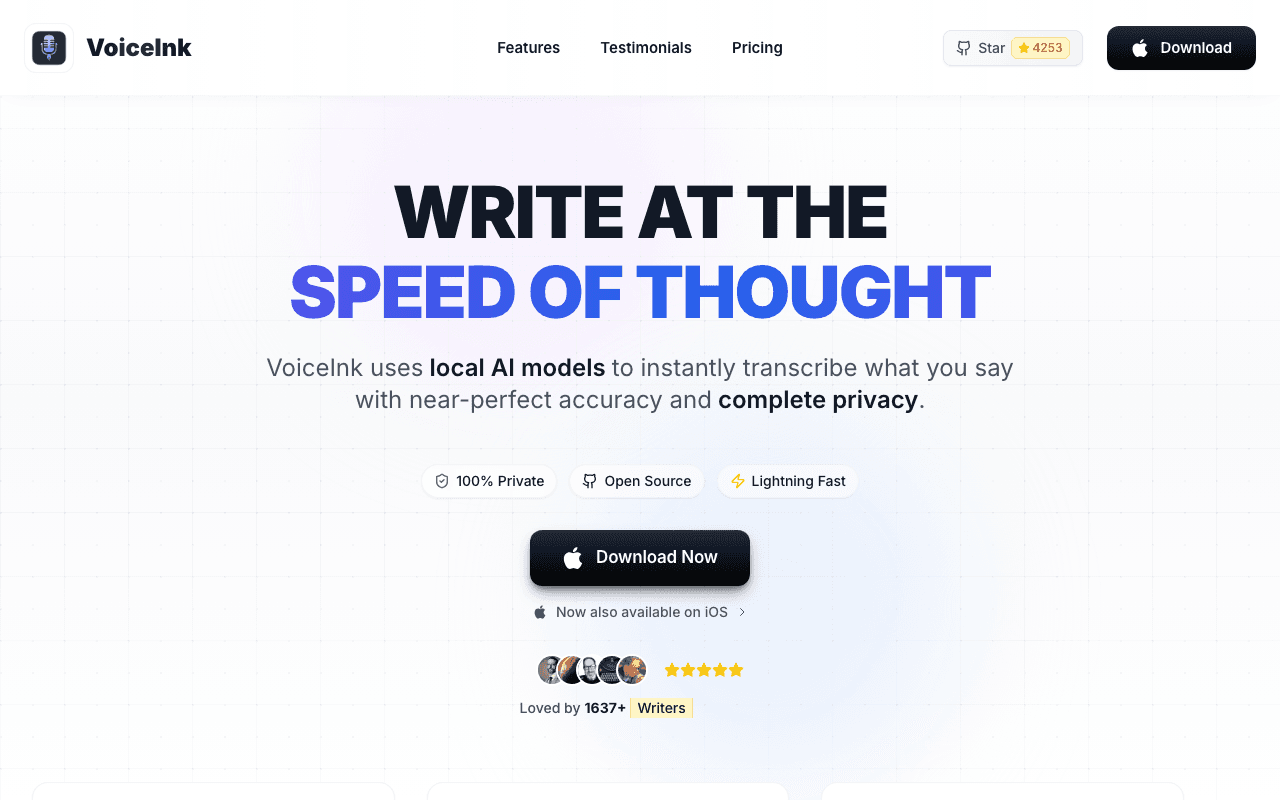
VoiceInk is an open-source native macOS application that runs entirely on-device using local AI models. It processes everything locally, so your voice data never leaves your machine.
Power Mode automatically detects the active application and applies your preferred settings. The one-time purchase model is refreshing in a market dominated by subscriptions. The trade-off is that running local models means accuracy sits around 80%, and it requires Apple Silicon with at least 16GB of RAM to run well.
Key features
- 100% offline, on-device processing
- Open-source with full code transparency
- Power Mode for app-specific settings
- Context-aware AI for screen-relevant transcription
- AI assistant mode for quick answers
- Smart text replacements and custom templates
Best for: Privacy-conscious Mac users (Apple Silicon) who want fully local processing and support open-source software.
6. Monologue: Best for Every subscribers
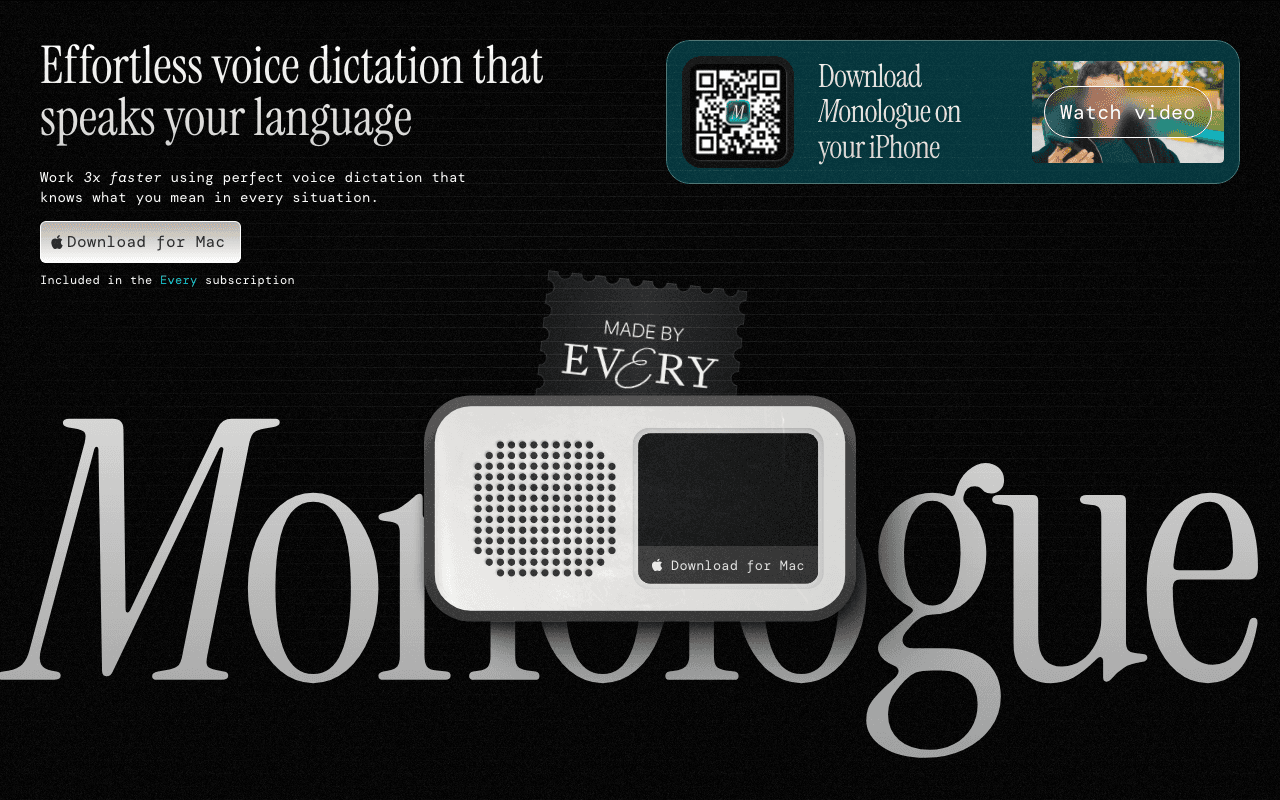
Monologue is Every's voice dictation app for Mac that writes the way you talk. It supports 100+ languages with the ability to switch between them mid-sentence and includes custom modes for different apps.
Deep context awareness uses screen information to improve accuracy. Local model support enables offline transcription when privacy matters most. The clean, minimal interface includes gamified usage stats. In practice, accuracy tends to hover around 89%, which can require noticeable corrections on longer passages.
Key features
- Mid-sentence language switching across 100+ languages
- Custom modes for specific apps (Slack, Notion, code editors)
- Smart formatting with italics and bold based on context
- Local model support for offline use
- Gamified stats showing usage and time saved
Best for: Mac users already in the Every ecosystem, or those who want a clean dictation app with local processing options.
7. Apple Dictation: Best free option for Apple users
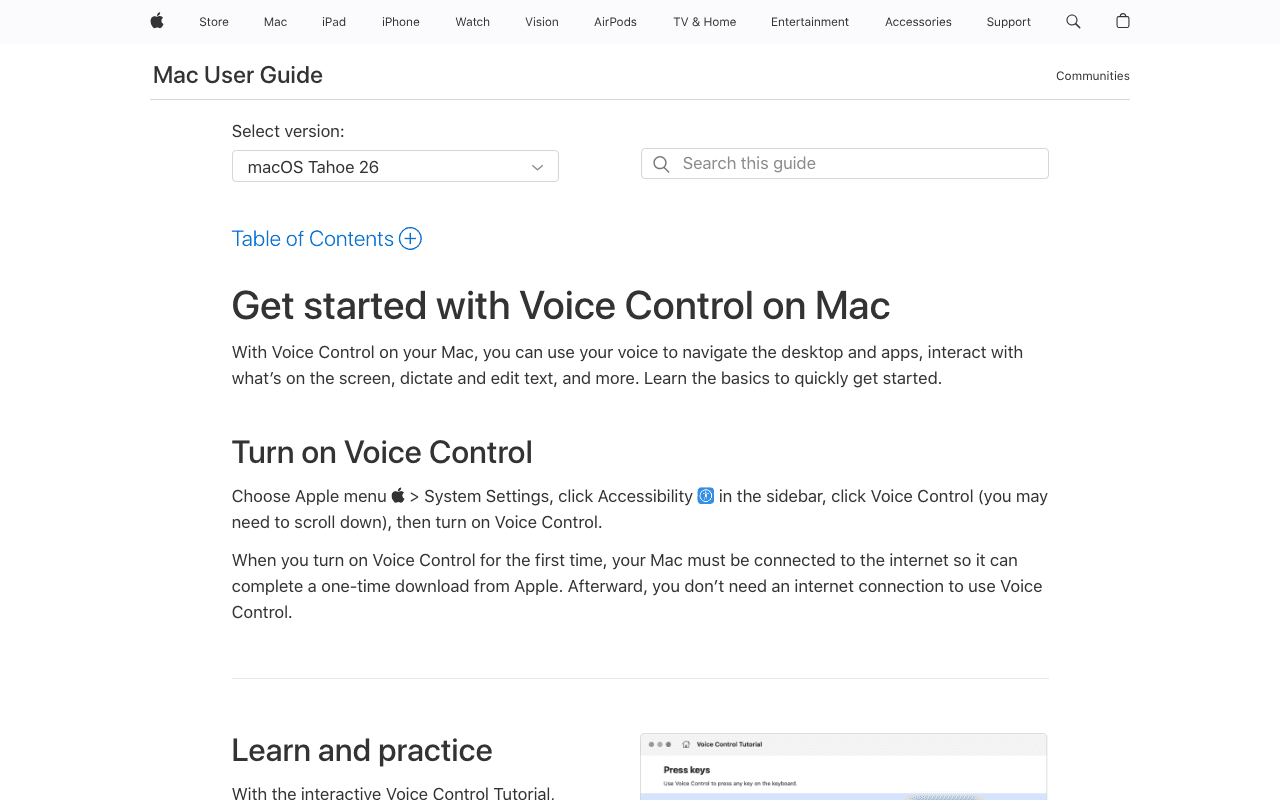
Apple's built-in dictation is free on every Mac, iPhone, and iPad. With macOS Sequoia and iOS 18, Apple Intelligence integration has meaningfully improved accuracy over previous versions.
On-device processing on Apple Silicon provides privacy advantages. Integration with Voice Control adds editing and navigation beyond basic dictation. The limitation is accuracy still falls behind dedicated tools, and it works best within Apple's native apps.
Key features
- Completely free on all Apple devices
- On-device processing on Apple Silicon
- Voice Control integration for editing and navigation
- Works across native Mac and iOS apps
Best for: Budget-conscious Apple users who need basic dictation without additional software.
8. Google Docs Voice Typing: Best free browser-based option
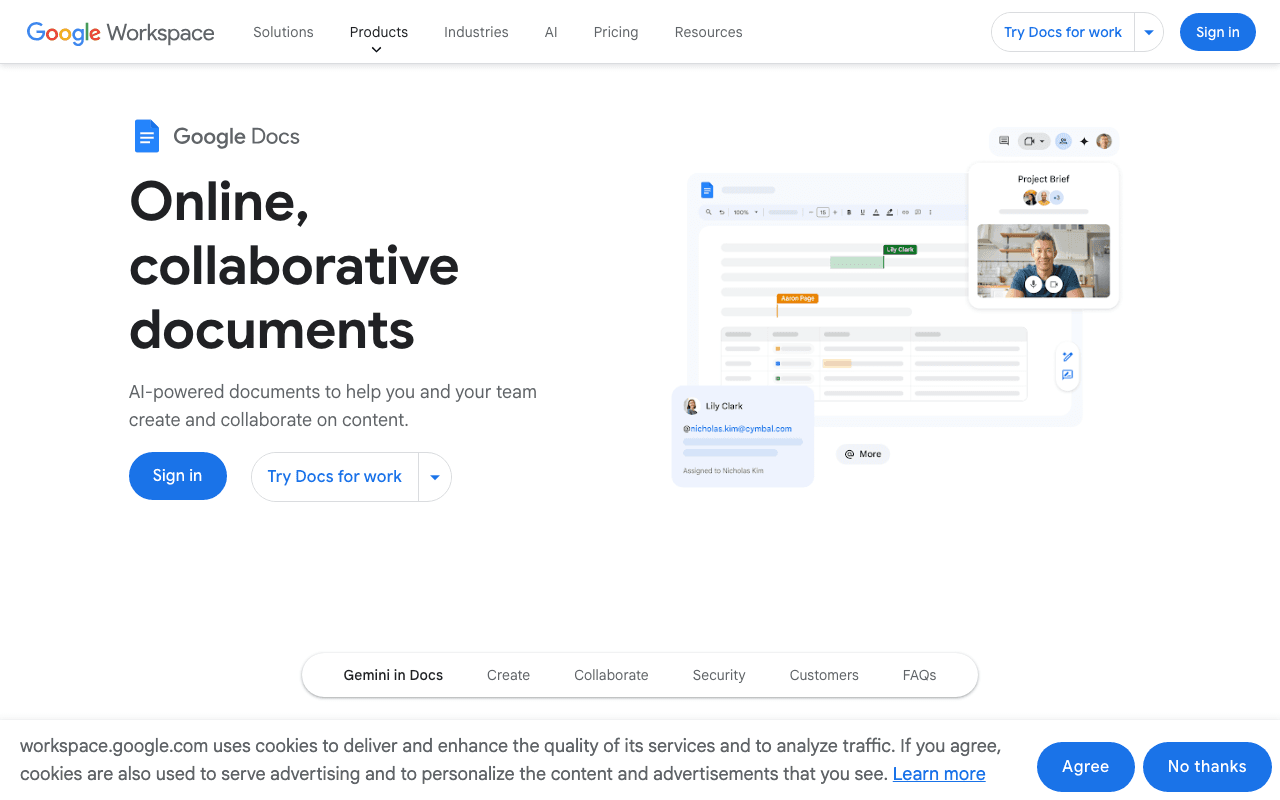
Google Docs includes voice typing at no cost, working directly in Chrome. It is simple, accessible, and requires no installation. Just open a document and start speaking.
The biggest limitation is that it only works inside Google Docs. You cannot use it in other apps, browsers, or text fields. Accuracy is acceptable for casual use but does not match dedicated dictation software for professional workflows.
Key features
- Completely free with any Google account
- Works on any device with Chrome
- Simple activation via Tools menu or keyboard shortcut
- Automatic saving to Google Drive
Best for: Students and casual users who primarily work in Google Docs.
9. Windows Voice Access: Best free option for Windows users
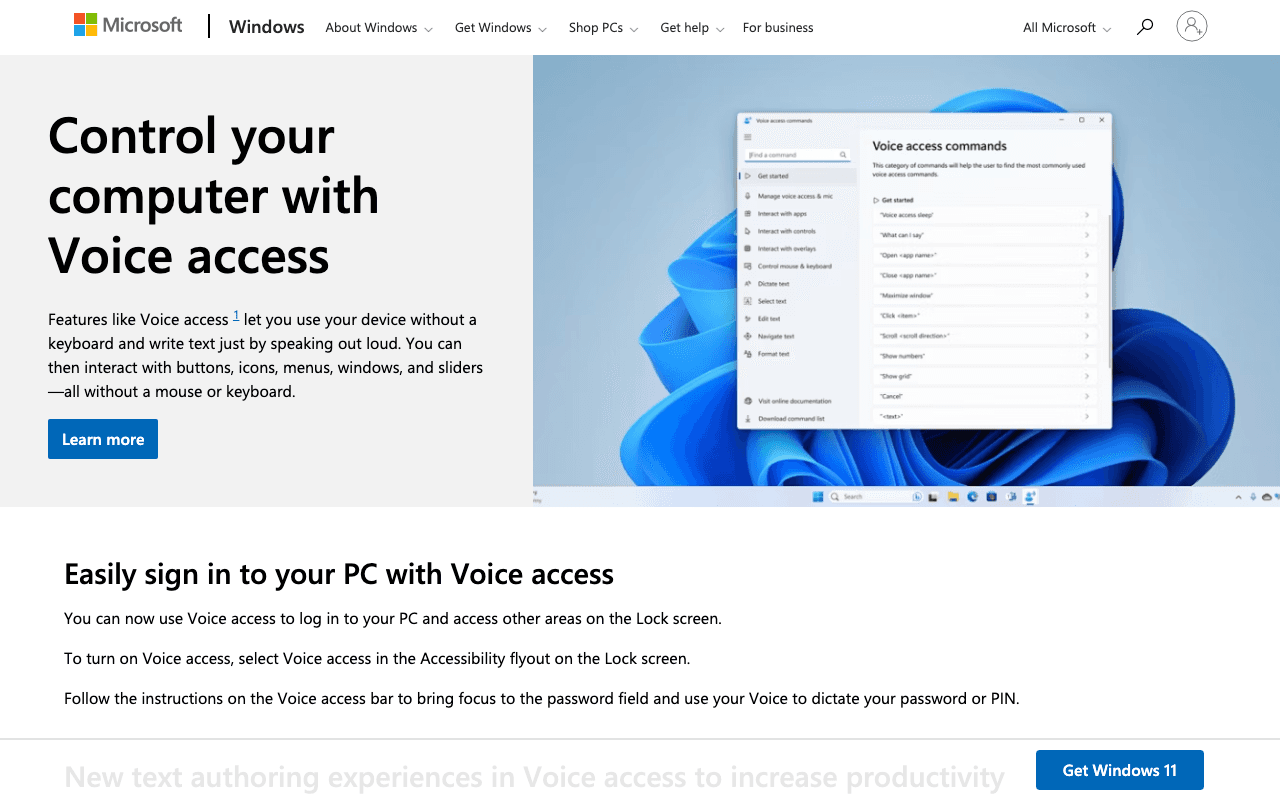
Windows Voice Access is built into Windows 11 and provides free voice typing and voice control across the entire operating system. It goes beyond dictation with full voice navigation and app control.
On-device processing protects privacy, and it works across all Windows applications. However, accuracy is decent but not exceptional compared to dedicated tools, and it requires Windows 11 with no support for older versions.
Key features
- Free for all Windows 11 users
- System-wide voice typing and control
- Voice navigation and app control beyond dictation
- On-device processing for privacy
Best for: Windows 11 users who want free system-wide voice control and basic dictation.
10. Otter.ai: Best for meeting transcription
Otter.ai specializes in real-time meeting transcription with speaker identification and AI-generated summaries. It is designed for capturing conversations rather than personal dictation.
It works with Zoom, Google Meet, and Microsoft Teams, automatically joining meetings to transcribe and summarize. For meeting-heavy workflows it is excellent, but it is not a general-purpose dictation tool for everyday writing.
Key features
- Real-time multi-speaker transcription
- Automatic speaker identification
- AI-generated summaries and action items
- Zoom, Google Meet, and Teams integration
Best for: Teams and professionals who need automatic meeting transcription and AI summaries.
Quick comparison
Here is how the top dictation tools stack up across the criteria that matter most:
| Tool | Platform | Accuracy | Universal | Price |
|---|---|---|---|---|
| VoiceOS | Mac, Windows | 97%+ | Yes | Free / $29.99/mo ($11.99/mo annual) |
| Wispr Flow | Mac, Win, iOS, Android | 95% | Yes | Free / $15/mo |
| Aqua Voice | Mac, Windows | 93% | Partial | $12/mo |
| Willow Voice | Mac, Windows, iOS | 94% | Yes | Free / $15/mo |
| VoiceInk | Mac (Apple Silicon) | 80% (local) | Mac only | $25 one-time |
| Monologue | Mac | 89% | Mac only | $10/mo |
| Apple Dictation | Mac, iOS, iPad | Good | Apple apps | Free |
| Google Voice Typing | Chrome | Acceptable | Google Docs only | Free |
| Windows Voice Access | Windows 11 | Decent | Windows apps | Free |
| Otter.ai | Web, Mobile | Good | Meetings only | Free / $16.99/mo |
The future of voice typing
Dictation software has crossed a critical threshold. Accuracy is high enough that voice typing is faster than keyboards for most writing tasks. AI integration makes formatting and editing possible by voice alone. Cross-platform support means you can dictate in virtually any app.
What is changing in 2026 is the shift from simple transcription to intelligent voice interfaces. Tools like VoiceOS are not just converting speech to text. They understand context, adapt to your style, execute actions on your behalf, and let you control your entire computer with your voice. Voice is becoming a primary input method, not a niche accessibility feature.
The typing barrier is disappearing. The question is no longer whether voice is accurate enough, but which tool best integrates voice into your entire workflow.
Try the #1 dictation tool for free
VoiceOS works across every app on your computer. Download for Mac or Windows and experience the difference context-aware voice typing makes.
Download VoiceOS