

Compare controls, not privacy adjectives
Before you dictate a sensitive sentence, identify its route: microphone, speech recognition, any AI editing, history, and the destination app. For an agent, add screenshots, attachments, and connected-service responses. A tool can avoid storing audio on its servers and still need to send that audio to a processor.
The table below summarizes vendor documents checked on September 30, 2026. It is not a security audit or a legal conclusion about which service your organization may use. We make VoiceOS and apply the same questions to it. Unknown or contract-dependent details should remain questions, not checkmarks.
What the published policies say
Scroll horizontally to read all columns →
| Product | Processing | Storage and improvement controls |
|---|---|---|
| VoiceOS | Cloud-connected | Help Improve VoiceOS off: audio/transcripts deleted after processing; on: those collected may be retained indefinitely for training |
| Superwhisper | Local and cloud configurations | Speech and optional rewriting models are configured separately; a local speech model alone does not keep rewriting local |
| Wispr Flow | Cloud transcription | Separate controls govern model improvement, dictation cloud storage, and local history; meeting features have their own retention |
| Aqua Voice | Online dictation service | Policy allows server transcript storage for product improvement when Privacy Mode is disabled |
| Willow | Cloud processing | Default Private Mode does not retain dictated content; optional improvement mode permits eligible anonymized text, not audio |
| Typeless | Cloud processing | Policy says audio and contextual data are processed transiently and discarded; account and submitted feedback data are separate categories |
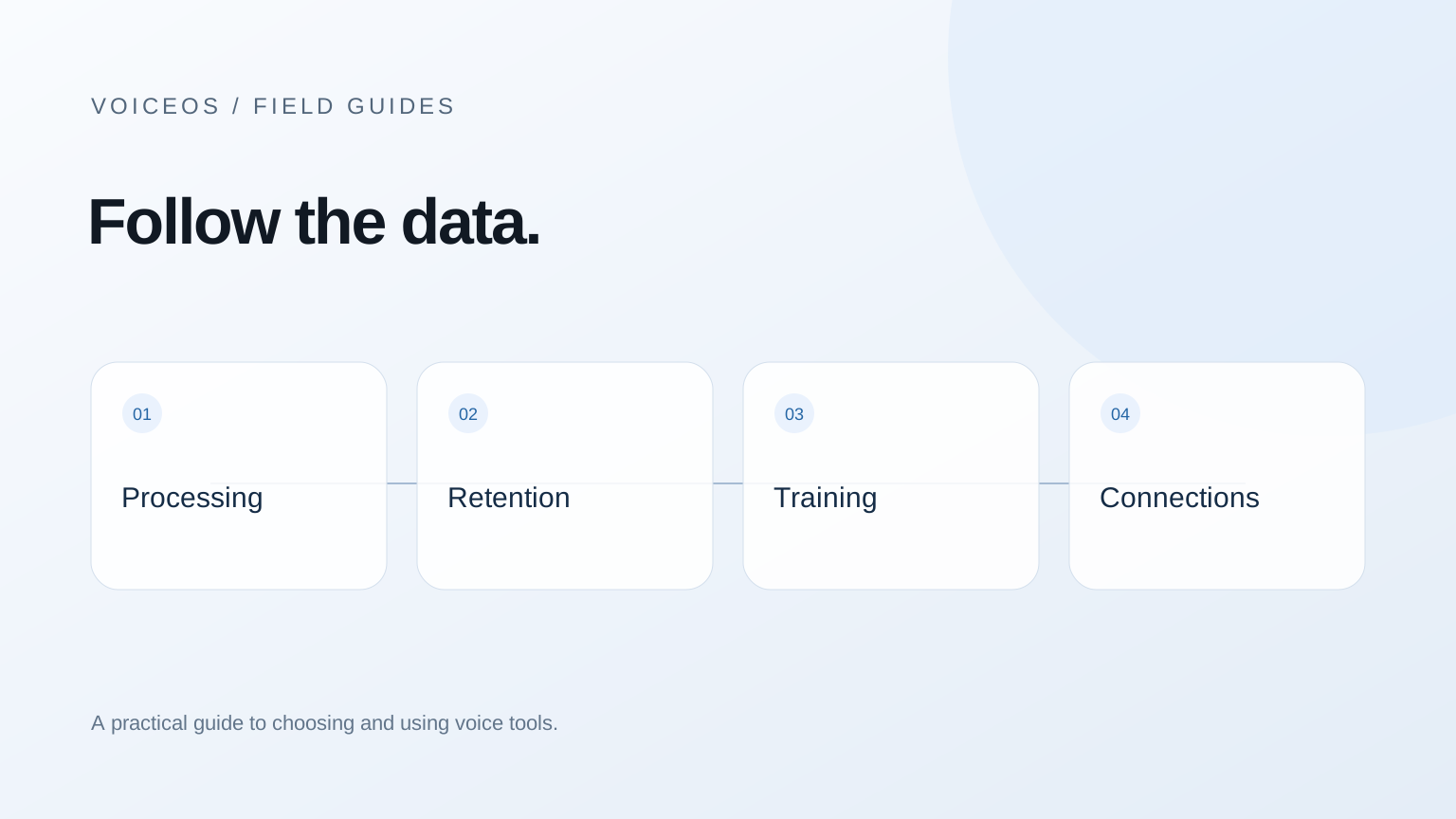
These rows deliberately do not score every vendor “safe” or “unsafe.” The same service can be appropriate for one class of work and prohibited for another. A personal note and a regulated client record can require different decisions even when the technical processing is identical.
Sources & further reading: VoiceOS Privacy Policy · Sensitive Data Best Practices · Privacy and data controls · Privacy Policy · Privacy Policy · Privacy Policy
The VoiceOS setting that changes the answer
With Help Improve VoiceOS off, the published VoiceOS policy says raw audio and transcripts are deleted immediately after processing, and user content is not used to train VoiceOS models. Turning the setting on permits evaluation and allows collected audio and transcripts to be retained indefinitely for training. Turning it off later stops future collection under that setting; it does not retrospectively erase earlier contributions.[1]
Local history is a separate consideration. A copy on your computer can still be visible to someone with access to that computer or included in a backup. Account data, personalization, and integration credentials have their own purposes and retention rules. Read the policy by data category instead of applying the audio rule to every piece of information in the product.
Sources & further reading: VoiceOS Privacy Policy
Three switches that are easy to confuse
Processing: where is audio turned into text, and where is text edited? Storage: which parts remain after the request, and for how long? Improvement: may any retained content be used to evaluate or train models? Turning off one switch does not necessarily change the other two.
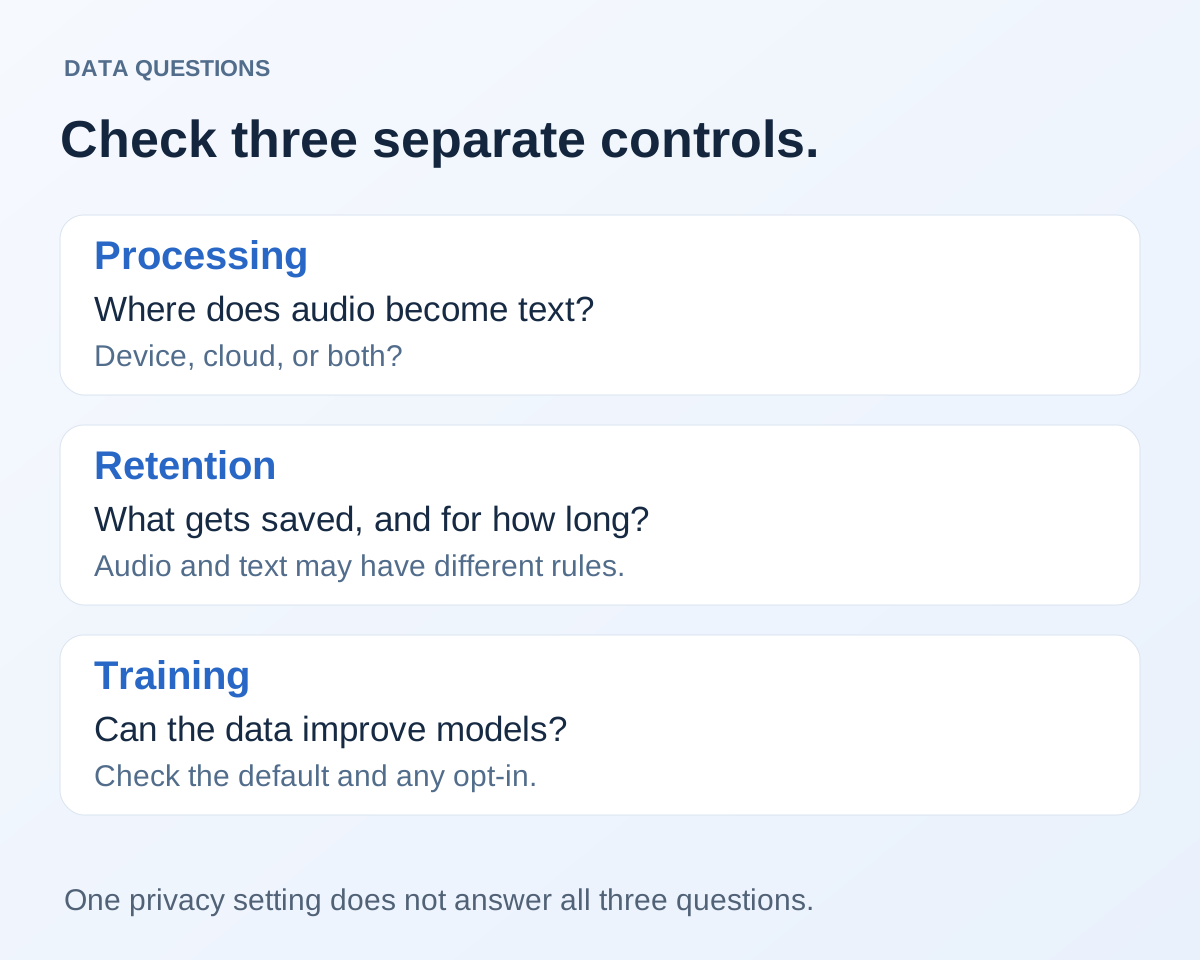
Wispr’s documentation is an example of why that distinction matters: its model-improvement control and Dictation Cloud Storage control are separate. Superwhisper illustrates a different distinction: the speech model and optional language model can run in different places. Read the setting for the exact feature you plan to use.[3] [2]
Screenshots and selected text need the same scrutiny as speech. Context can include a customer’s message, an internal document, or information visible behind the window you meant to discuss. Close unrelated sensitive material and check which context the feature requests. More context is a capability with a data consequence, not a free accuracy upgrade.
Sources & further reading: Privacy and data controls · Sensitive Data Best Practices
A practical privacy review before daily use
- Write down which kinds of content are allowed: public writing, internal work, client material, or restricted records.
- Record the current privacy mode and any model-improvement switch. Do not rely on the setting you remember from installation.
- Check speech, rewriting, local history, cloud sync, and connected-service permissions separately.
- Read deletion rules for previously collected content; turning off collection is not the same as deleting past data.
- For a workplace deployment, ask who can enforce the configuration and what the agreement covers.
Test with non-sensitive examples first. A successful draft proves the workflow can work; it does not prove compliance. For a cloud service, ask for the applicable data-processing terms, provider list, and any required report. For a local setup, include backups, logging, and the destination application in the review.
Questions worth sending to a vendor
A specific question is easier to answer than “Are you private?” Ask: “For this plan, with this mode enabled, do you or a processor retain raw audio, intermediate transcripts, final text, screen context, or prompts after the request? Which exception applies to each?” Request a current answer linked to the policy or agreement.
Then ask what changes when you enable optional improvement, meeting capture, synchronization, or a connected account. These features may cross a boundary that basic dictation does not. The feature you are buying should be the feature your security reviewer evaluates.
If the requirement is that audio never leaves the device, use the offline guide to build a local shortlist. If the requirement is a completed report, request that report and verify its scope. Neither a friendly privacy paragraph nor an audit roadmap satisfies a requirement for evidence.
Sources and methodology
Last updated .
Read the vendors’ published privacy and configuration documentation. Summaries distinguish processing, retention, and model improvement; they do not reproduce broad marketing assurances. Limitations: We did not independently inspect vendor infrastructure, contracts, or network traffic. Policies and feature-specific exceptions can change.
- VoiceOS Privacy Policy — VoiceOS
- Sensitive Data Best Practices — Superwhisper
- Privacy and data controls — Wispr Flow
- Privacy Policy — Aqua Voice
- Privacy Policy — Willow
- Privacy Policy — Typeless
- VoiceOS security and privacy — VoiceOS
Frequently asked questions
Does zero data retention mean nothing leaves my computer?
No. A cloud provider can process data transiently without retaining it afterward. Offline processing is a separate property.
Does VoiceOS use dictation for training?
The answer depends on Help Improve VoiceOS. Off means content is not used for VoiceOS training; opting in allows the uses and retention described in Section 4 of the policy.[1]
Can I decide compliance from this comparison?
No. Use the linked policies and your organization’s requirements. Ask vendors to confirm the exact plan, feature, configuration, processors, and contract terms.
Start with one real task
See how VoiceOS handles dictation, editing, and supported app actions on Mac and Windows.
Explore VoiceOS