
Key Takeaways
- Aqua Voice transcribes English at roughly 93% accuracy out of the box. That sounds high, but it means about 7 errors in every 100 words, which adds up to constant manual fixing in real work.
- VoiceOS reaches 98%+ English accuracy by reading context: it detects the app you are in, understands surrounding text, and picks the right word between homophones like "their" and "there" or "brake" and "break".
- Aqua Voice's custom dictionary is manual only and capped at 800 words. VoiceOS learns your vocabulary automatically, so product names, client names, and technical terms transcribe correctly without setup.
- VoiceOS is also faster (300ms vs 450 to 850ms) and adds Agent Mode, which lets you act by voice across Slack, Gmail, and Calendar instead of only producing text.
Where Aqua Voice loses accuracy in English
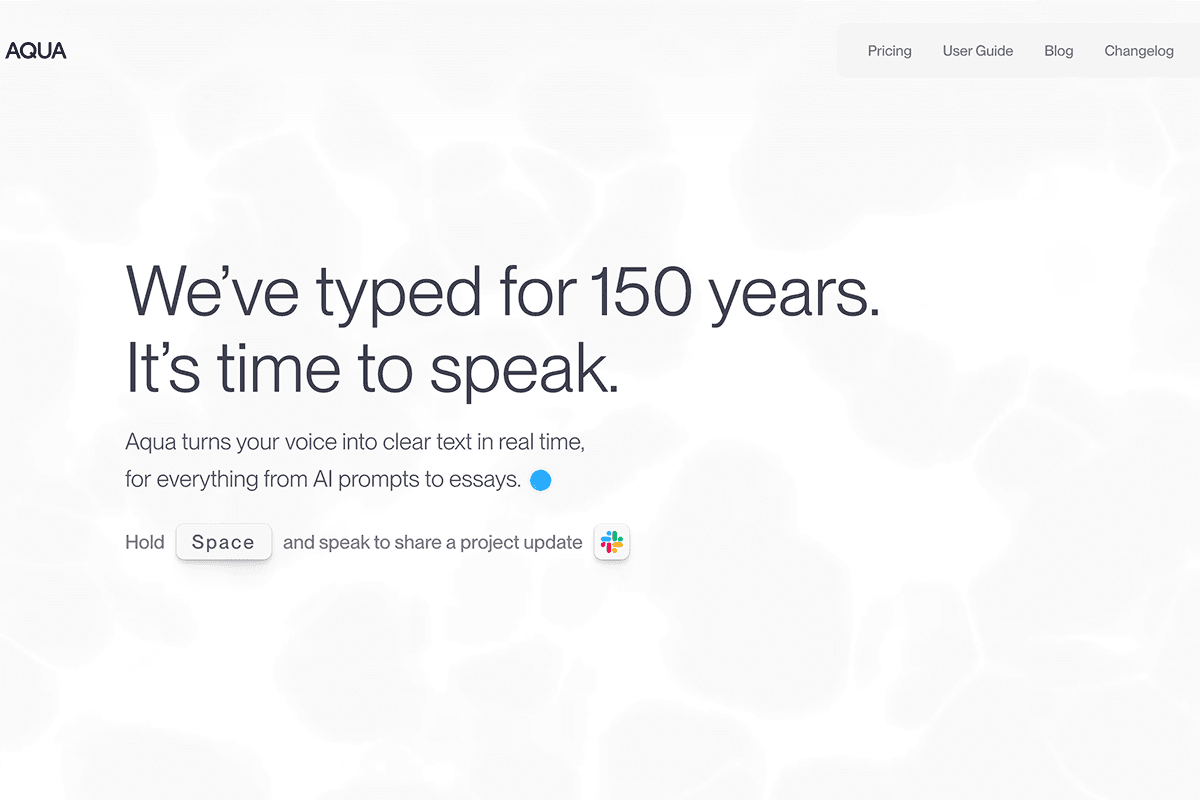
Aqua Voice is built around its proprietary Avalon transcription model, tuned for raw speed. Speed-first transcription consistently slips in three places.
Homophones and context words
English is full of words that sound identical and only context can separate: their/there/they're, brake/break, right/write. A model that optimizes for instant output has less room to weigh surrounding meaning, so the wrong variant lands in your text and spell-check will not catch it.
Proper nouns and technical vocabulary
Product names, company names, and developer terms are where dictation tools break down in real work. Say "Kubernetes", "Supabase", or a colleague's name, and a general-purpose model guesses phonetically. Aqua Voice only fixes these through its manual dictionary, capped at 800 entries you have to type in yourself.
Punctuation and formatting
Clean output needs sentence boundaries, question marks, and list structure inferred from how you speak. Aqua Voice's fastest mode trades formatting quality for latency, and its richer Streaming Mode nearly doubles the wait to about 850ms.
None of these are rare edge cases. A 93% accuracy rate means roughly 7 wrong words in every 100 you dictate. At a normal speaking pace of 150 words per minute, that is around 10 corrections every single minute, and each one pulls your hands back to the keyboard, which defeats the point of dictating.
VoiceOS: accuracy through context, not just speed
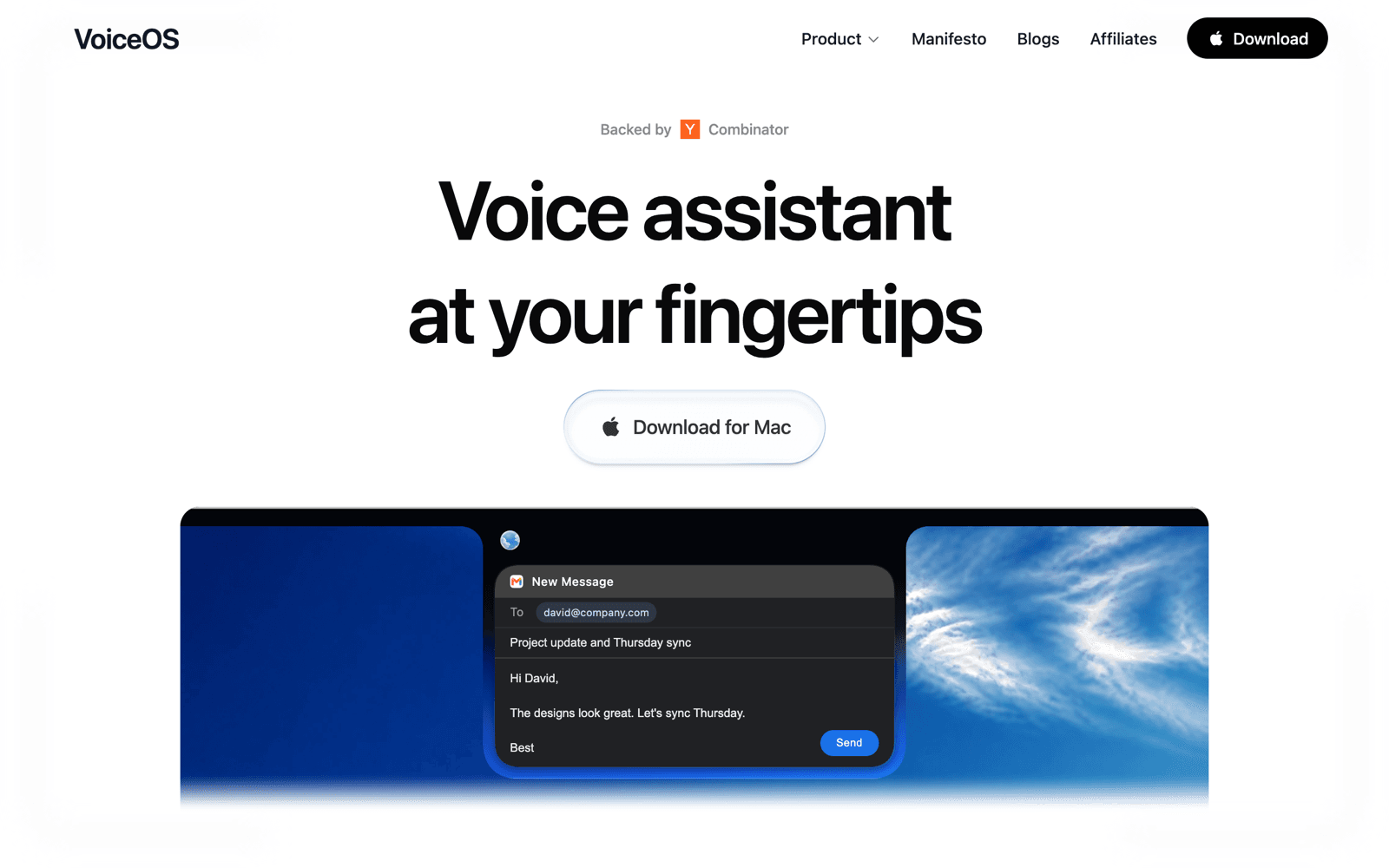
VoiceOS takes a different approach: it treats transcription as a language problem, not just an audio problem. Instead of racing raw audio to text, VoiceOS reads the context you are working in and resolves ambiguity before the text lands. The result is 98%+ English accuracy, against roughly 93% for Aqua Voice, while still processing in about 300ms.
The context-aware pipeline addresses exactly the failure points above.
- Homophone resolution from surrounding meaning: "let's break for lunch" and "hit the brake" both come out right
- Automatic vocabulary learning: VoiceOS picks up your product names, client names, and technical terms as you work, no manual registration
- Consistent spelling of names and jargon: say "Kubernetes" or "Supabase" and get it spelled correctly, every time
- Punctuation and structure inferred from your speech: sentences, questions, and lists come out formatted
- Tone adaptation: polished prose in email, conversational style in Slack, code-aware formatting in your editor
- App detection that adjusts vocabulary and formatting to where you are typing
Speed does not suffer for it. VoiceOS processes in about 300ms, faster than Aqua Voice's 450ms Instant Mode and far ahead of its 850ms Streaming Mode, so your text appears almost as soon as you stop speaking.
The accuracy gap, measured
Fewer errors means less time fixing text by hand. Here is how the two tools compare on English dictation.
Transcription errors
per 100 words dictated · lower is better
Time to text
processing latency · lower is better
VoiceOS vs Aqua Voice at a glance
Here is how the two tools compare on the points that decide day-to-day dictation quality.
| Feature | VoiceOS | Aqua Voice |
|---|---|---|
| English accuracy | 98%+ | ~93% |
| Processing speed | 300ms | 450ms–850ms |
| Context awareness | App + screen context | Accessibility APIs |
| Homophone disambiguation (their/there, brake/break) | ✓ | Limited |
| Technical vocabulary (code, product names) | ✓ | Limited |
| Custom dictionary | Auto + manual | Manual (800 words) |
| Filler word removal | ✓ | ✓ |
| Tone adaptation per app | ✓ | ✗ |
| Agent Mode (voice-to-action) | ✓ | ✗ |
| SOC 2 Type II | ✓ | ✗ |
| macOS | ✓ | ✓ |
| Windows | ✓ | ✓ |
Beyond dictation: Agent Mode
Accuracy is only half the story. VoiceOS also includes Agent Mode, which lets you act by voice, not just type. Send a Slack message, reply to an email in Gmail, create a calendar event, or search the web, all without leaving the app you are working in. Aqua Voice only outputs text.
Switching from Aqua Voice is easy
VoiceOS works the same way Aqua Voice does: press a key, speak, and text appears in whatever app you are using on Mac or Windows. There is nothing to relearn. Install VoiceOS, set your shortcut, and dictate with a model that gets the words right the first time. The free trial lasts 7 days.
Frequently Asked Questions
How accurate is Aqua Voice?
Aqua Voice transcribes English at roughly 93% accuracy out of the box. Its proprietary Avalon model is optimized for low latency, which costs it on homophones, proper nouns, and technical vocabulary. In practice, 93% accuracy means about 7 errors per 100 dictated words that you have to fix by hand.
What makes VoiceOS more accurate than Aqua Voice?
VoiceOS reads context instead of racing raw audio to text. It detects the app you are in, weighs surrounding meaning to resolve homophones like their/there and brake/break, and learns your vocabulary automatically so product names and technical terms come out spelled correctly. That is how it reaches 98%+ English accuracy while still processing in about 300ms.
Does VoiceOS handle technical terms and product names?
Yes. VoiceOS learns your vocabulary automatically as you use it, so terms like Kubernetes, Supabase, client names, and internal product names transcribe correctly without manual setup. You can also add terms manually. Aqua Voice only supports manual entry, capped at 800 words.
Is VoiceOS faster or slower than Aqua Voice?
Faster. VoiceOS processes in about 300ms. Aqua Voice's Instant Mode pastes text in about 450ms and its richer Streaming Mode takes around 850ms. VoiceOS delivers higher accuracy and lower latency at the same time.
How much does VoiceOS cost?
VoiceOS offers a 7-day free trial. Pro is $29.99 per month, or $11.99 per month billed annually, with unlimited usage and Agent Mode included.
Dictate with the words coming out right
Download VoiceOS for Mac or Windows. Free for 7 days. Experience 98%+ English accuracy.
Download VoiceOS